5. Participate in the presentations available.
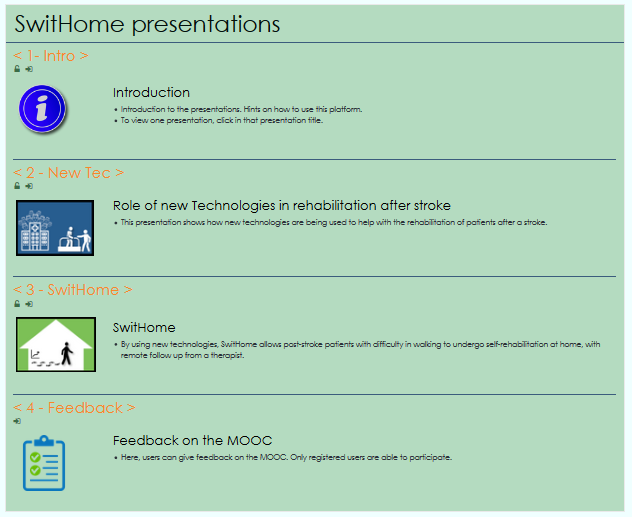
There are several presentations in SwitHome site, some of the presentations have feedback forms and questionnaires for the registered Users.
To participate in those feedback forms and questionnaires, it is needed for the User to enroll in the presentation.
(Self-enrolment is the method whereby visitors can choose to enrol themselves into a presentation, either immediately by clicking “Enrol me in this presentation” or by typing in an enrolment key given by the SwitHome entity. Some activities could be developed for Users only, not for Guest visitors.)
For the User to enroll them self in each presentation it is needed for the User to enter in that presentation (by clicking in the presentation title). After clicking, in the new page of the presentation, at the upper right screen position is the “Actions” button (gear symbol) that should be clicked. After, it will appear the “Enrol me in this presentation” that should be clicked.
In the new page, the presentation enrolment options, if the presentation have an enrolment key, that enrolment key should be introduced. If there is no enrolment key, the “Enrol me” box should be clicked.
After those steps, the visitor should be able to participate in the presentation activities.
The registered user, after the enrollment in any presentation, can unenroll from each one of them. The unenrollment is made after entering in the presentation (by clicking in the presentation title), clicking in the “Actions” button (gear symbol in the upper right screen position). It will appear the “Unenrol me from presentation” that should be clicked.