6. Rehabilitation exercises
Before starting the exercises, the user should follow the instructions on the tablet. Before each exercise a demonstration video is shown informing the patient how to perform the exercise.
There are 3 types of exercises: Balance combined, Balance left and balance right. In the first exercise both feet movements are registered by the application where as in Balance left and Balance right only the correspondent foot movement is registered.
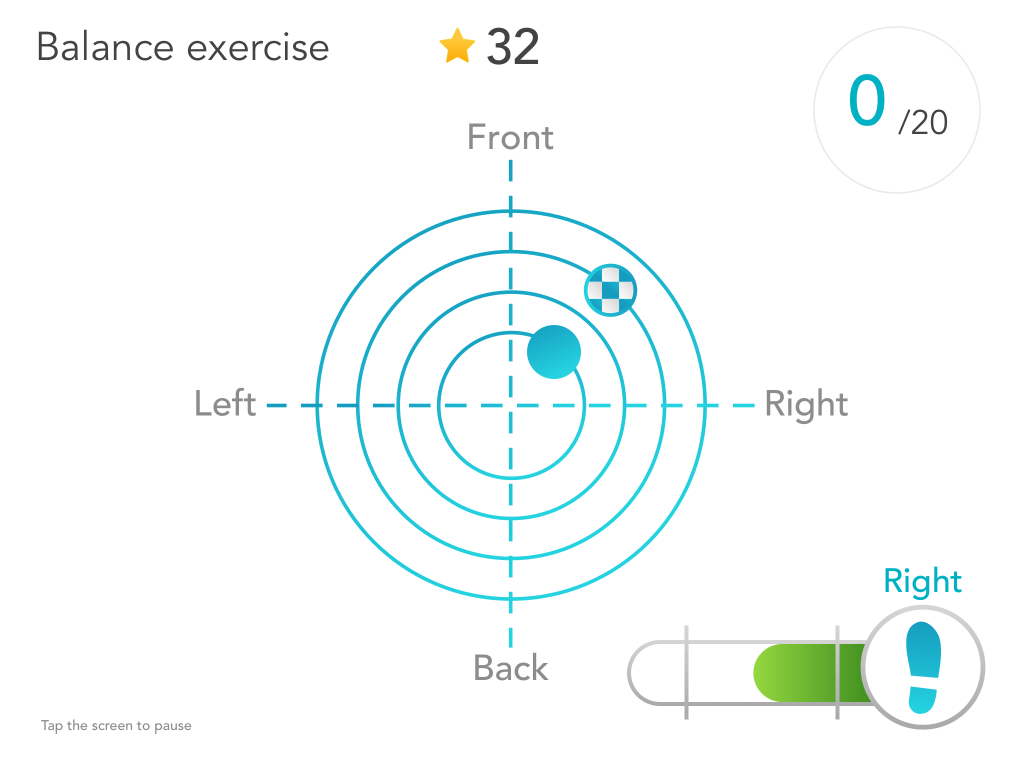
The goal of the exercises is to move the Center of Pressure (CoP) represented by the blue circle to the target location, checkered flag circle as seen in the image below. To achieve this the patient should lean forwards and backwards.
A trial is successful when the blue dot touches the target position. A successful trial is indicated by a “bling” sound and a green check mark. An unsuccessful trial is indicated by a red cross.
In the left or right lower corner of the display a bar graph indicates how much the participant is loading the corresponding leg. The bar should be kept between the two vertical bars. A correct load is indicated by a green bar. When the load is too low or high the green bar turns red.
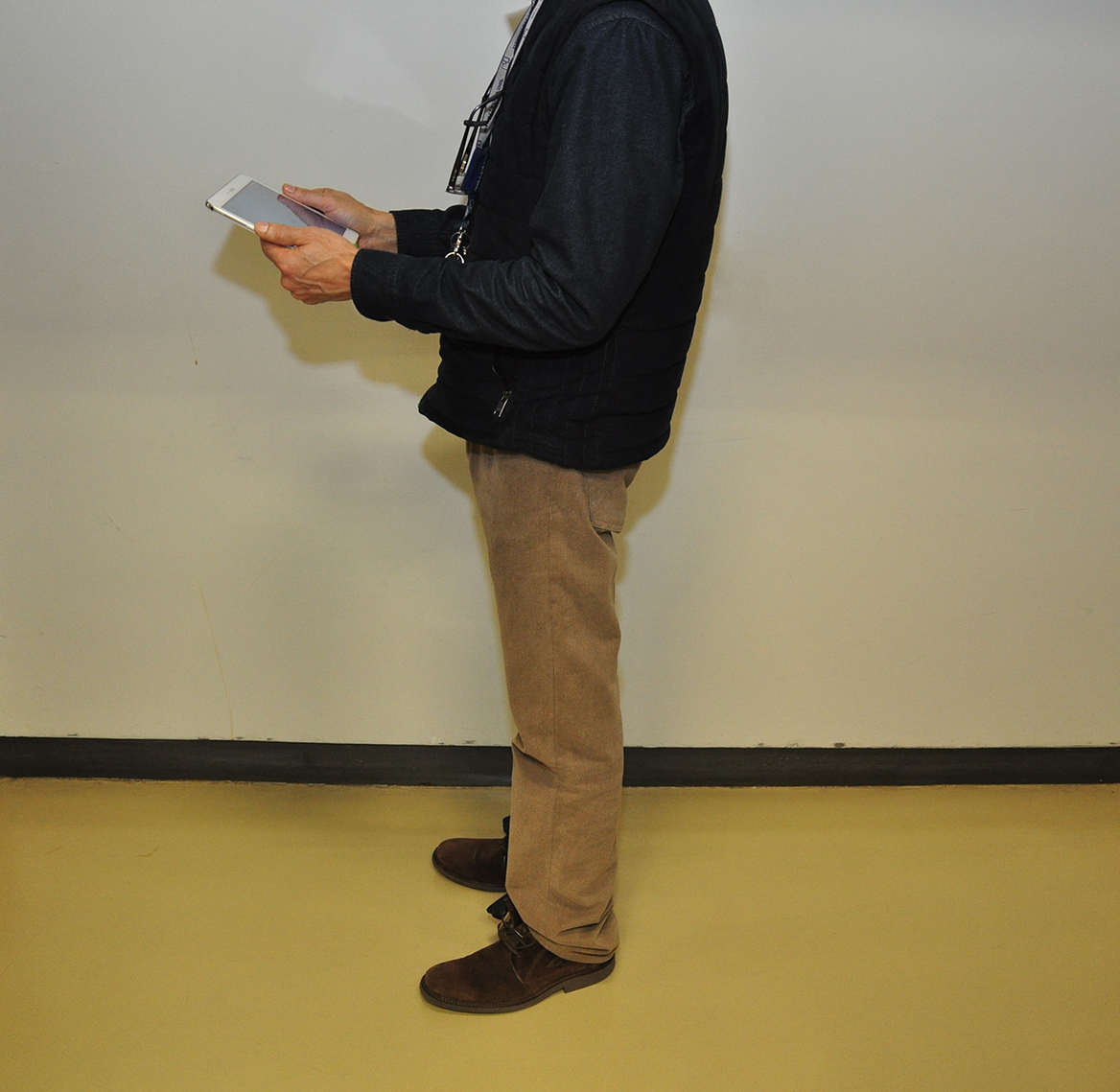
During the realization of the exercises the patient can hold the tablet, or it can be left on top of a table where the patient can look at it.
In the following video it is visible how the insoles work during the exercises. The forces applied by the patient are registered by the insoles. After this the CoP (Center of Pressure) is calculated and also the percentage of force applied in each insole from the total force applied by the patient. This results can be viewed in the patient application.